 scroll to top
scroll to top
scroll to top

 Blog
Blog
 12th Feb, 2020
 2 Min read

Shivaram
Director - Digital & Cloud Quality Assurance Services
The author is experienced in Application Lifecycle Management (ALM), Performance Engineering & Application Security and has executed high volume load tests using HP LoadRunner, Microsoft Visual Studio & JMeter for various applications across domains.


CRM – Customer Relationship Management is a software solution to maintain customer relationships, track sales leads, manage pipeline, marketing and service.
Microsoft Dynamics CRM is a client-server application, primarily an IIS based web application that supports extensive web services interfaces. Clients can access CRM either using a browser or by a thin client such as the Outlook plug-in. Dynamics CRM supports most of the browsers; IE, Chrome and Firefox are fully supported.
Dynamics CRM is now known as Dynamics 365 Customer Engagement and has the following applications –
Why Load test?
There are several benefits of conducting load tests at various phases of the application. Running load tests during any system upgrade or customization are recommended to validate performance, stability and end-user experience.
Few major benefits to various stakeholders are
Business Benefits
Benefits for Architects & Dev
Benefits for End users
Visual Studio Load testing features
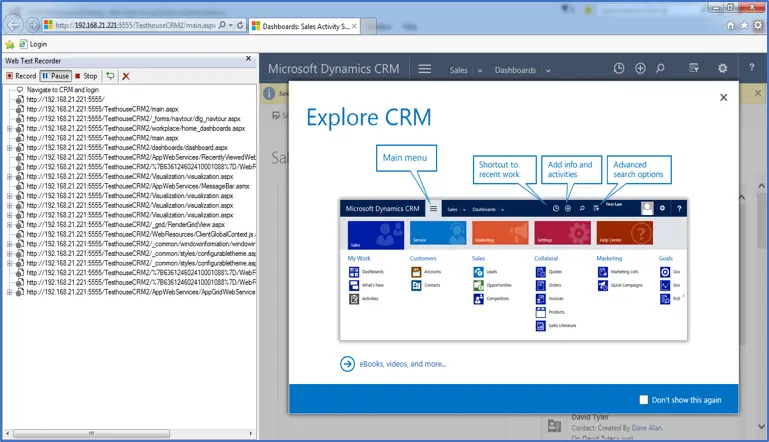
Web Test – Recording engine helps capture the server-client traffic. By default, this works with IE and for any other browser, we recommend the tool Fiddler. Export fiddler capture as .web test to use in Visual Studio.
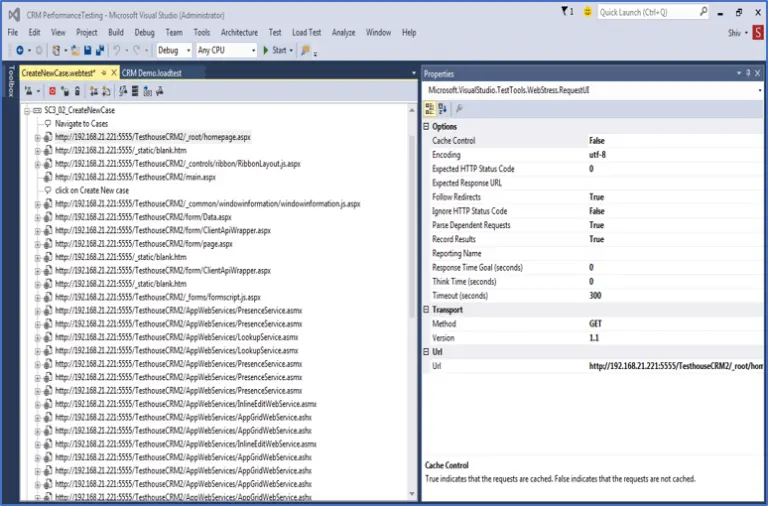
Web Test Enhancements – Once the web test is ready and working as expected, enhance the web test to simulate realistic load on the system.
Following are some of the script level enhancements.
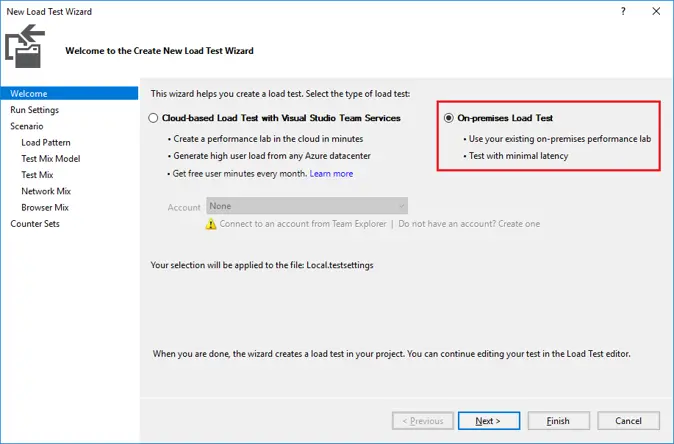
Load test – Helps design scenarios and run the load test.
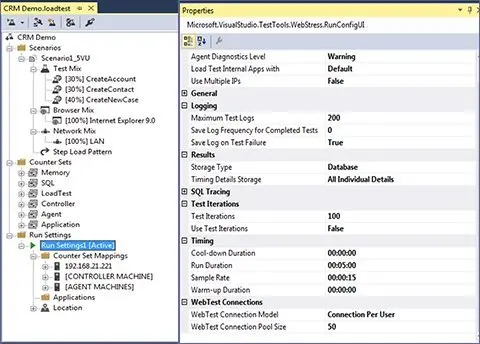
Load test settings – Configure load test run time settings as per your requirements.
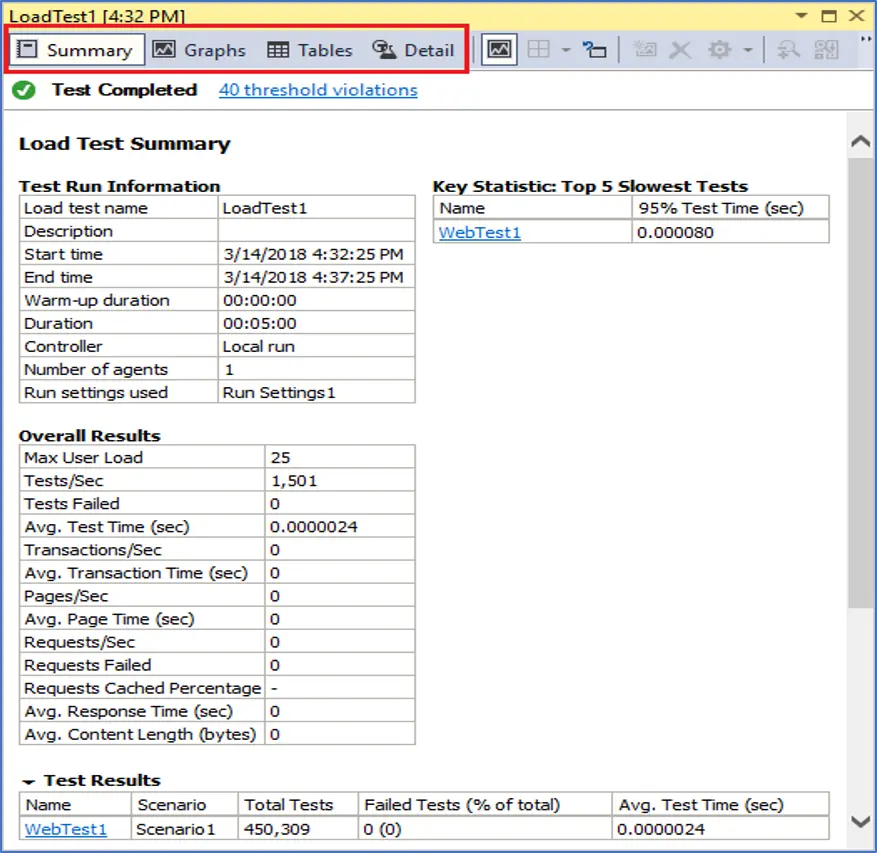
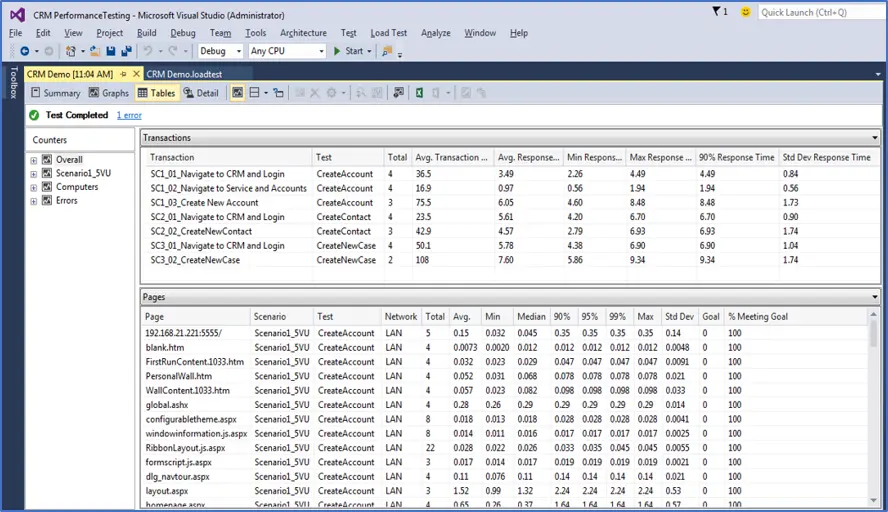
Test Results – Capture details of load test execution. Helps create detailed analysis report.
Level 18, 40 Bank Street, Canary Wharf
London E14 5NR United Kingdom